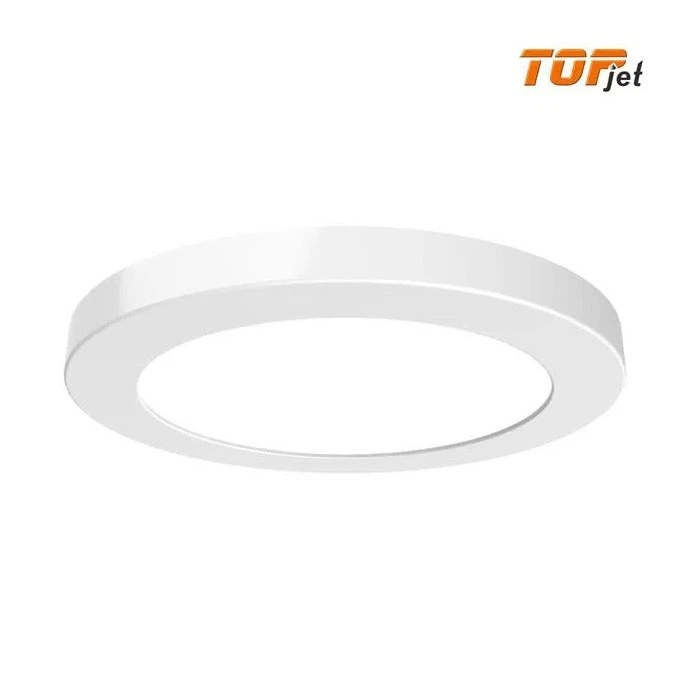

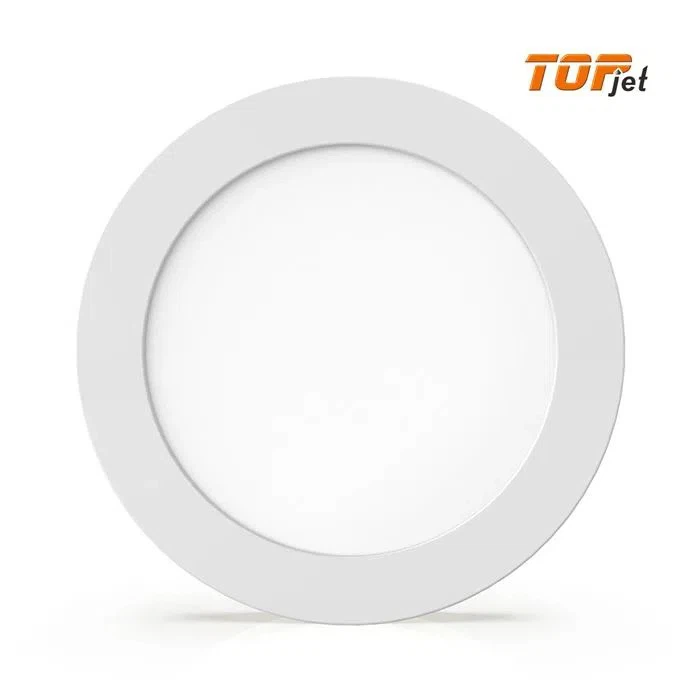
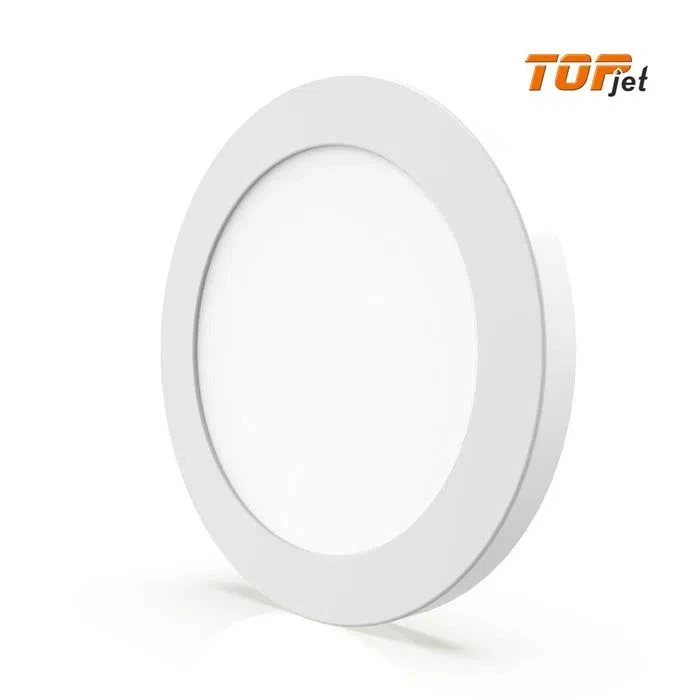
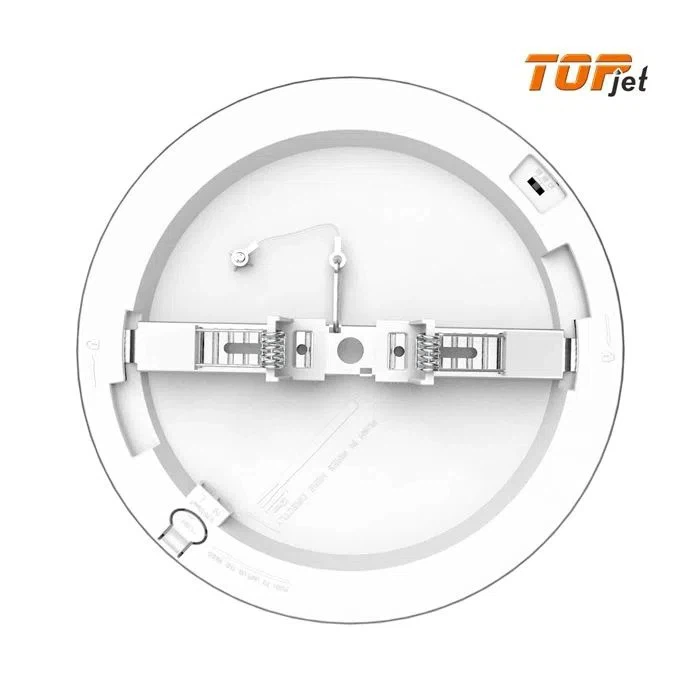
Intelligent LED Ceiling
LED Light:LED Panel,LED Ceiling
The function of this Range: Single color, CCT Change by Dip Switch, Dimmable, Radar Sensor, WIFI
Certification: CE, CB, RoHS, New ERP
Control:TUYA WIFI App, Google Assistant, Alexa Smart Speaker,etc
- Fast Delievery
- Quality Assurance
- 24/7 Customer Service
Product Introduction
Introduction
This Intelligent LED ceiling is one of our most popular series of smart lights, it allows you to adjust the light and color within the space and the brightness you want. This smart light series is compatible with all smart home control lights equipped with the same TUYA module, which can greatly improve the intelligence of home lighting. In addition, it can be controlled remotely through Smart LIFE App/TUYA App/Smart Speakers (Alexa, Google Assistant), which further increases the convenience in practical applications.
This Intelligent LED ceiling supports brightness adjustment between 2700K (warm white), 4000K (natural white), 6500K (cool white). You can also choose lighting modes like party mode via app smart controls or smart speakers. Therefore, this product is especially suitable for many people who like to gather with friends at home, it can not only increase the atmosphere of the party but also provide sufficient lighting. It is the ideal product to enhance the convenience of life and perfectly integrate into the home decoration.
Control Mode
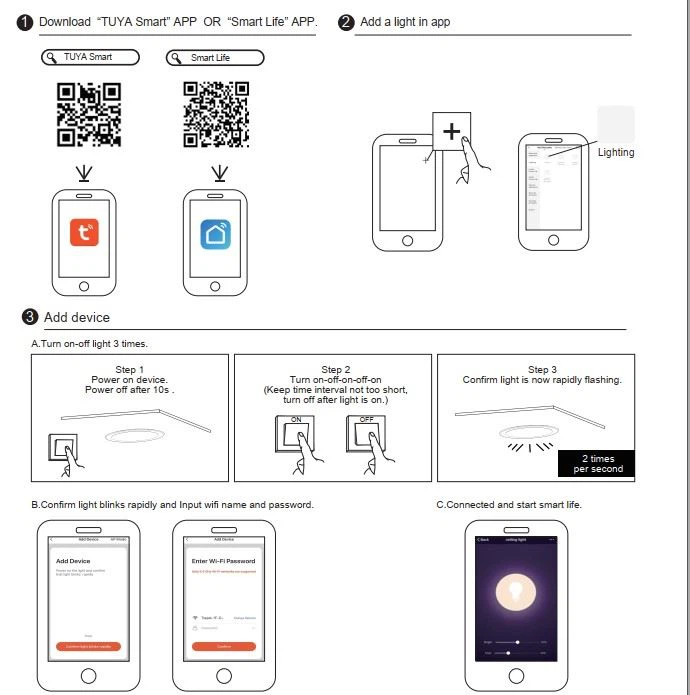
*APP Intelligent Control: Download and install Tuya or Smart Life APP to remotely connect to enjoy intelligent control, only in the same WIFI environment!
*Voice Control: This product is compatible with Alexa and Google Assistant. You can control the light with just one simple sentence, such as "turn on the bedroom", "turn off the living room", "set the kitchen to yellow", etc. Free your hands to the greatest extent and enjoy life!
You can set your daily schedule to turn off/on this Intelligent LED ceiling at the right time; this innovative range can also be used to control group lights.

Note:
1. The app supports two configurations: Default mode and Compatibility mode. Click “AP Mode” at the top right corner of the “Default mode” page to switch between modes.
1) Default ModeThe light is rapidly flashing
2) Compatibility Mode/AP Mode: The light is slowly flashing
2. To select “Default mode”, please make sure the indicator light on the smart device is flashing rapidly (blinking twice per second) and then click the button to proceed to the next step.
3. If the indicator lights are not flashing rapidly, click “How to make light blinks rapidly” to view the instructions.